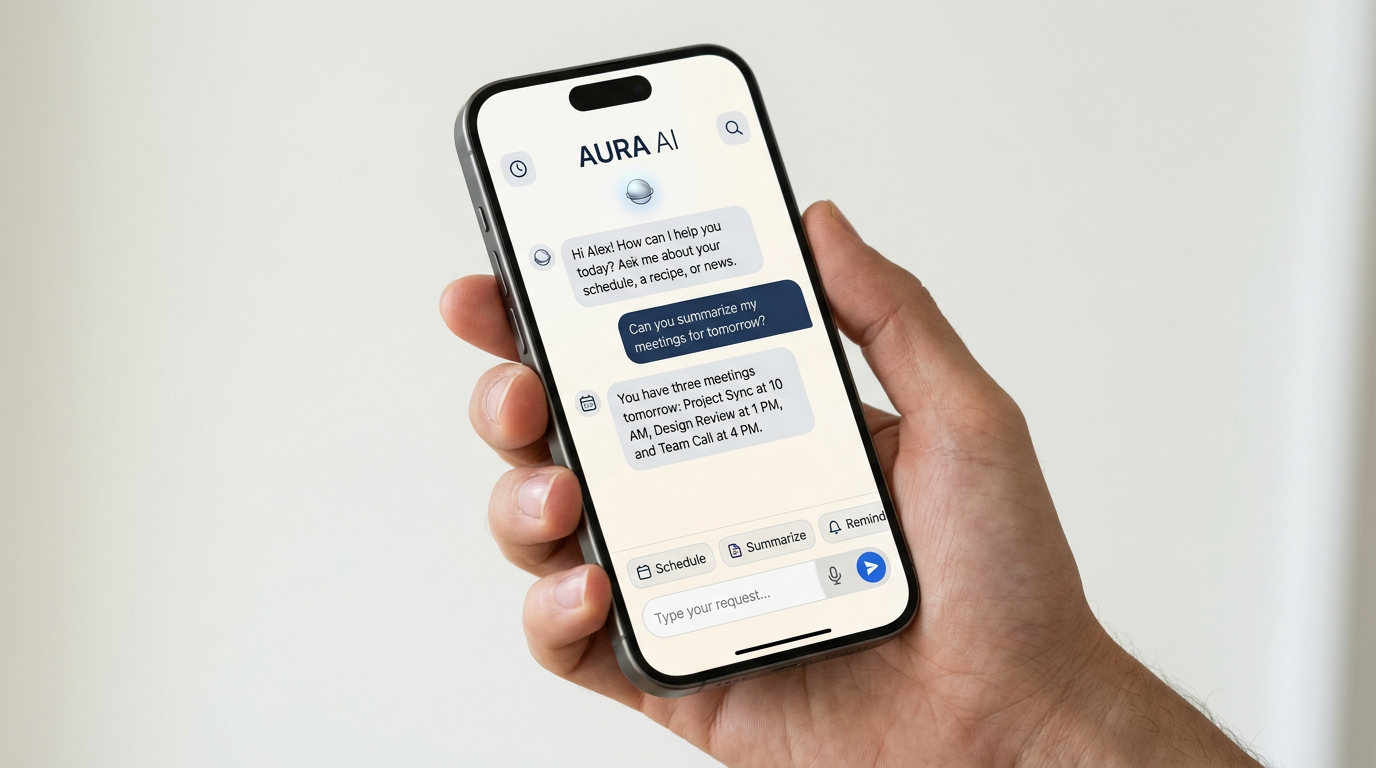
If you sit through a lot of meetings, an AI note-taking app can feel like a practical helper: it joins the call, captures the conversation, and turns it into notes you can review later. But these tools are not all built the same. Some are best for fast summaries, some for accurate transcripts, and some for teams that need strict controls around privacy and sharing.
If you are trying to choose one, the right question is not just, “Which app uses AI?” It is, “Which app fits the way my team actually meets?” That means looking beyond the demo and focusing on transcription quality, integrations, permissions, and how much editing you are willing to do after the meeting ends.
Start with your real use case
Before comparing features, decide what you need the tool to do. A solo freelancer who wants personal reminders does not need the same setup as a sales team, a project group, or a manager running recurring internal reviews.
Common use cases include:
- Personal note capture: You want a quick summary, action items, and a searchable record.
- Team documentation: You need notes that can be shared consistently across projects.
- Client calls: You want a clean transcript and follow-up details without manually typing during the meeting.
- Compliance-conscious environments: You need to check whether recording, storage, and access controls meet company policy.
The more clearly you define the job, the easier it is to filter out tools that look polished but do not match your workflow.
Look closely at transcription and summary quality
Most AI note-takers promise automated summaries, but the quality of the raw transcript still matters. If the transcript is shaky, the summary can be too. That is especially true when meetings include accents, crosstalk, technical terms, acronyms, or poor audio.

What to test first
- Speaker separation: Can the app tell who said what?
- Accuracy with jargon: Does it handle your industry terms reasonably well?
- Summary clarity: Does it produce useful takeaways, or just generic bullets?
- Action item capture: Does it identify next steps, owners, and deadlines?
A good test is to upload or record a real meeting you already know well, then compare the output to what actually happened. You will quickly see whether the app is reliable enough for daily use or only good for rough notes.
Tip: A polished interface does not always mean accurate notes. Test with your messiest, most realistic meeting first.
Check privacy, permissions, and company policy fit
For many users, privacy is the deciding factor. AI note-taking apps often record conversations and store transcripts in the cloud, so it is worth asking where the data goes, who can access it, and how long it is retained.
Before you sign up, review:
- Meeting consent options: Can the app notify participants clearly that recording is in use?
- Workspace controls: Can admins manage access by team or role?
- Sharing settings: Are notes public by default, or restricted by invitation?
- Data retention: Can you delete recordings and transcripts when needed?
- Security features: Look for single sign-on, encryption details, and admin controls if your team requires them.
If you work with sensitive information, confirm whether your employer already has approved tools. A convenient app is not helpful if it creates a policy problem later.

Make sure it connects to the tools you already use
The best AI meeting assistant is not the one with the longest feature list. It is the one that fits into your existing workflow without extra manual steps.
Useful integrations may include:
- Video platforms: Zoom, Microsoft Teams, or Google Meet
- Calendars: Automatic meeting detection and scheduling
- Task tools: Exporting action items to Asana, Trello, Jira, or similar apps
- Collaboration platforms: Sharing notes in Slack, Notion, or Microsoft 365 environments
Think about the handoff after the meeting. If the app creates notes but your team still has to copy them into another system, the automation value drops fast. A simpler tool with better integrations may be more useful than a feature-heavy platform that sits outside your workflow.
Compare ease of use, editing, and sharing
An AI note-taking app should save time, not add another job to your day. That is why the editing experience matters. Even strong summaries usually need a quick review, especially for names, numbers, or decisions that must be exact.
Look for features that make review painless:

- Fast editing: Can you correct the transcript without hunting through menus?
- Search: Can you find a keyword, topic, or decision quickly?
- Highlights and clips: Can you save important moments for later reference?
- Easy sharing: Can you send a link, export a document, or limit access by viewer?
If multiple people will use the tool, try to see how it handles different roles. A manager may want summaries, while a project lead may need full transcripts and task extraction. The right app should support both without creating confusion.
Use a simple comparison checklist before you buy
When you narrow down your options, compare them side by side using the same criteria. That makes it easier to see which one is actually best for your needs instead of which one has the flashiest homepage.
- Does it work well with your meeting platform?
- Are transcripts accurate enough for your topic area?
- Can you control privacy, sharing, and retention?
- Will it connect to your calendar, task, or collaboration tools?
- Is the editing and review process quick and intuitive?
- Does the app fit your team’s policy and workflow?
You may find that the best fit is not the most advanced product. For some people, a simple recorder with good search is enough. For others, deep integrations and admin controls matter more than summaries. The most useful choice is the one you will actually keep using.
Bottom line: compare tools against your workflow, not the marketing
AI note-taking apps can be genuinely helpful, but only if they match how you meet, share information, and handle sensitive data. Focus on accuracy, privacy, integrations, and ease of review before you commit.
If you are choosing between a few options, compare them using the same meeting and the same checklist. That usually reveals which app fits your needs best and which ones are better left on the shortlist.