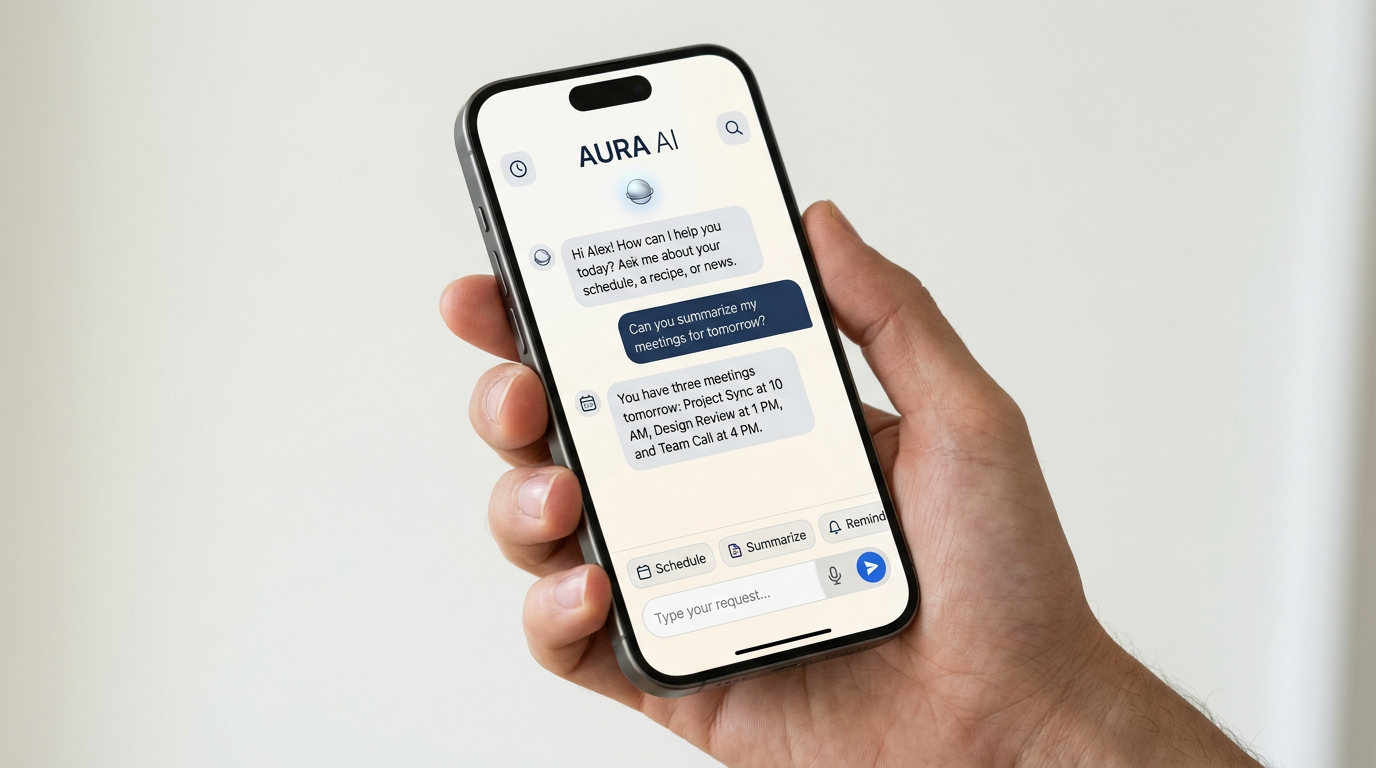
AI meeting note tools can save time, but they can also create new headaches if you pick the wrong one or use it without a plan. For many teams, the appeal is simple: let software listen, transcribe, summarize, and pull out action items so people can stay focused on the conversation. The tricky part is that meetings involve sensitive information, fast-moving decisions, and different comfort levels around recording. Before you add an AI note-taker to your workflow, it helps to know what these tools actually do well, where they fall short, and what to check before you turn them loose on your calendar.
What AI meeting note tools actually do
Most AI meeting note apps sit in on a call, capture the audio, convert speech to text, and generate a summary after the meeting ends. Some go further by identifying action items, labeling speakers, and syncing notes to your calendar or project management software. A few can also search past meetings in plain language, which can be useful if you need to find a decision that was made weeks ago.
That said, these tools are not the same as having a thoughtful human note-taker. AI is best at creating a draft record. It is not automatically reliable for nuance, tone, or context. If someone says, “Let’s revisit this next quarter,” the tool may record the words accurately but miss the practical meaning if your team has a specific process for follow-up.
Where AI notes help most
AI note tools are often most useful in meetings where it is hard for one person to listen, participate, and write everything down at the same time. That includes:
- Client calls, where you want a searchable record of requests and commitments.
- Team check-ins, especially when action items need to be shared after the meeting.
- Interviews, where you want to focus on the conversation rather than typing every detail.
- Project meetings, where decisions and next steps are easy to lose track of.
For many users, the biggest benefit is consistency. Even when people forget to take notes, the tool can still produce a baseline record. That can make it easier to recap decisions, assign tasks, and reduce the “wait, what did we decide?” follow-up emails that clutter inboxes.

Questions to ask before you choose one
Not every AI note app is built for the same kind of user. Before you compare options, think about how your meetings work and what matters most to you.
How accurate is the transcription?
Accuracy can vary depending on accents, background noise, overlapping speakers, and industry jargon. If you work in a field with specialized terms, look for a tool that lets you review and edit transcripts easily. A polished summary is helpful, but if the transcript is poor, the summary may be too.
Does it handle privacy and consent well?
Meeting recording rules can vary by state and by situation, so consent matters. You should understand whether the tool notifies participants, how recording is disclosed, and what controls exist for private meetings. Also check how long the provider stores audio and transcripts, and whether you can delete recordings when they are no longer needed.
For internal use, it is smart to set a basic policy: who can record, when recording is allowed, and how notes should be shared. A clear rule can prevent awkward moments and make adoption easier.
Will it fit your existing workflow?
The best tool is often the one that works with the systems you already use. Look for integrations with your calendar, video meeting platform, CRM, or task manager. If a tool creates a great transcript but forces you to copy and paste notes everywhere else, the time savings may disappear quickly.

Can you edit and correct the output?
AI summaries should be treated like drafts. A good product makes it easy to revise names, action items, and decisions before sharing. If the app does not let you correct errors or highlight important sections, you may end up trusting output that should have been checked more closely.
How to use AI notes without losing trust
One common mistake is assuming the AI output is the final record. A better approach is to assign a quick review step, especially for meetings where decisions matter. You do not need a heavy process. In many cases, a five-minute check is enough to catch speaker mix-ups, incorrect action items, or a summary that sounds too vague.
It also helps to tell participants how the tool will be used. If the team knows the notes are for follow-up and not surveillance, people are usually more comfortable speaking naturally. Transparency matters just as much as the software itself.
AI meeting notes work best as a support tool, not a replacement for judgment. The more important the meeting, the more important it is to review what the software produced.
Another practical tip: decide what the tool should capture and what it should not. For example, some teams want a summary of decisions and action items, but do not want every brainstorming tangent preserved. Setting expectations up front can make the notes more useful and less cluttered.

Signs a tool may not be the right fit
Sometimes the best choice is to keep your current workflow, or at least test a tool carefully before rolling it out. Be cautious if the app:
- has unclear privacy terms or vague data retention policies
- cannot handle the meeting platforms you use most often
- produces summaries that are too generic to be helpful
- makes it difficult to edit or delete recordings
- encourages over-reliance without a review step
If your meetings are highly confidential or heavily regulated, you may also want to involve IT, legal, or compliance staff before adopting any recording tool. The convenience is real, but so is the need for careful oversight.
Bottom line: compare the workflow, not just the features
AI meeting note tools can be genuinely useful, especially for busy teams that want better records without extra admin work. But the best option is not always the one with the longest feature list. Focus on transcription quality, privacy controls, integrations, and how much editing you will need to do after each meeting.
If you are comparing tools, test them with the kind of meetings you actually have. That is the easiest way to see whether the software saves time, fits your team, and produces notes you can trust.