If you’re shopping for home security cameras, the hardest part is often not finding options — it’s narrowing them down. The best system for one home may be a poor fit for another, especially if you’re trying to balance coverage, privacy, ease of installation, and ongoing costs.
Instead of starting with brand names or premium features, begin with your layout and your actual concerns. Do you want to watch the front door, check on deliveries, monitor a driveway, or keep an eye on pets and kids inside? The right camera setup should solve those specific problems without creating unnecessary complexity.
Start with what you want to see
Before comparing specs, make a short list of the areas you want covered. That makes it easier to decide how many cameras you need and whether they should be indoors, outdoors, or both.
- Front door: Useful for deliveries, visitors, and package theft concerns.
- Driveway or street-facing areas: Helpful if you want wider exterior coverage.
- Back door or patio: Often overlooked, but important because it may be less visible from the street.
- Interior common areas: Good for checking in on pets, children, or general activity when you’re away.
Try to think in terms of sightlines. A camera pointed at the wrong angle is less helpful than one placed where it can clearly capture the area you care about. For example, a camera above a front door may need a narrow view, while a driveway camera often benefits from a wider field of view.
Choose between wired and wireless with your home in mind
One of the biggest decisions is whether to go with wired or wireless cameras. Each can work well, but they solve different problems.
Wired cameras
Wired systems are often a better fit if you want a more permanent setup and don’t want to worry as much about batteries. They may be a better option for homeowners who are comfortable with a more involved installation or who already have existing wiring in place.
Wireless cameras
Wireless cameras are usually easier to place and move, which can be useful for renters or anyone who wants a simpler installation. Keep in mind that “wireless” usually refers to data transmission, not necessarily power. Some still need recharging, and battery upkeep is part of ownership.
If you want the least maintenance, look closely at how the camera is powered. A camera that’s easy to install may still require frequent battery changes if it sees a lot of activity.
For many shoppers, the right answer is not one type across the entire home. You might use a wired doorbell camera at the front entrance and wireless cameras in places where drilling or cable runs are less practical.
Pay attention to storage, alerts, and privacy settings
Cameras are only useful if you can review footage when needed. That means storage matters as much as image quality. Some systems save video locally, while others rely on cloud storage, and many offer both.
- Local storage: Can keep footage on a device at home, which may appeal to buyers who prefer more control.
- Cloud storage: Makes it easier to access clips remotely and may simplify sharing footage if needed.
- Subscription plans: Some systems limit advanced features or extended recording unless you pay a recurring fee.
Also review the app settings before you buy. Look for motion detection zones, activity alerts, and ways to reduce false notifications. A camera that sends alerts every time a tree moves or a car passes by can become frustrating quickly.
Privacy settings are equally important, especially for indoor cameras. Consider whether you want a physical privacy shutter, scheduled recording, or the ability to turn cameras off automatically when certain people are home. If multiple family members will use the system, check whether each person can have separate access or permissions.
Look beyond video quality
Resolution often gets the most attention, but it’s only one piece of the puzzle. A high-resolution camera can still be a poor choice if it struggles at night, clips important motion, or loses connection frequently.
Useful features to compare include:
- Night vision: Important for exterior cameras and dim indoor spaces.
- Two-way audio: Can help you speak with visitors or check in on family members.
- Motion detection: Look for customizable zones and sensitivity settings.
- Field of view: Wider is not always better, but it can reduce blind spots.
- Smart-home compatibility: Useful if you already use a platform like Alexa, Google Home, or Apple Home.
Think about how the camera will perform in real life. A front-door camera should clearly capture faces at the entry point, not just the sidewalk. A backyard camera should handle changing light, weather, and movement from trees or pets. The best feature set is the one that matches the location.
Don’t forget the setup and long-term upkeep
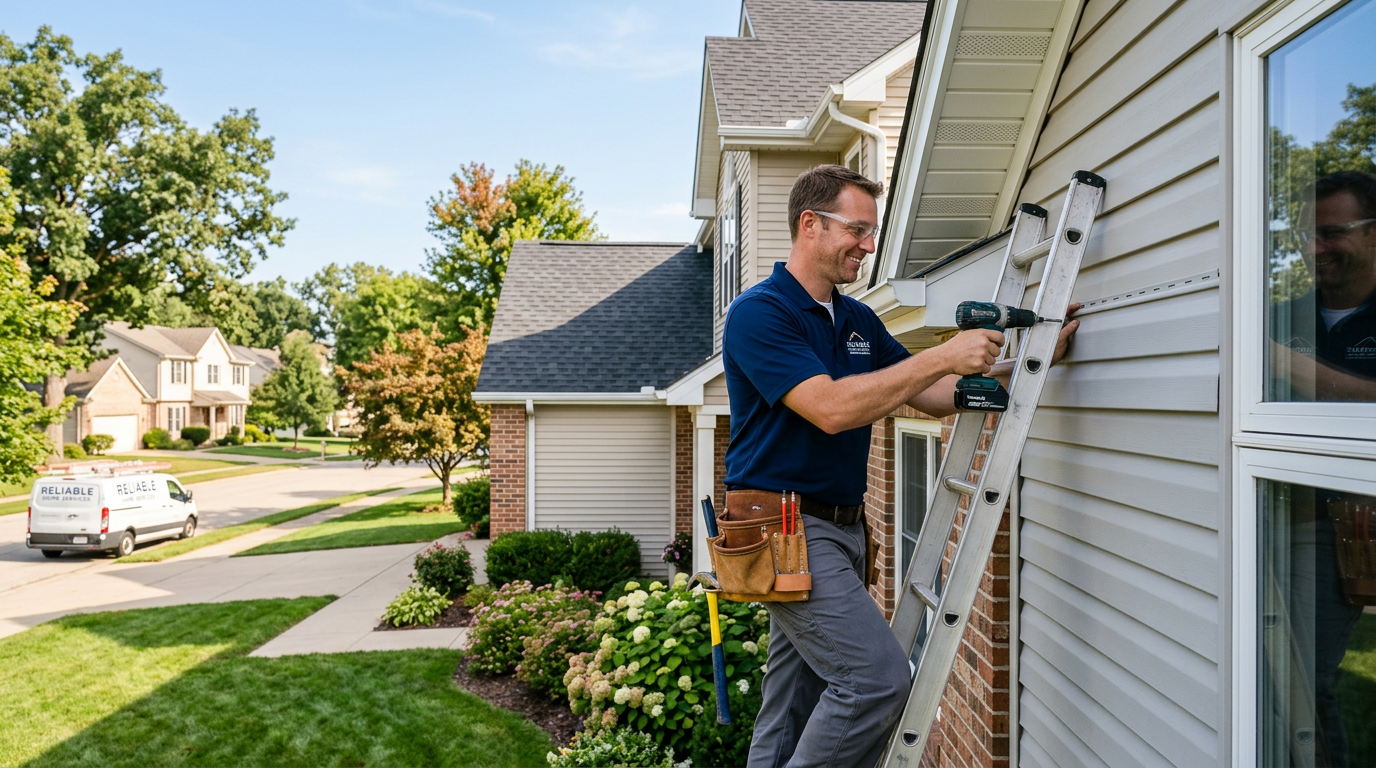
Installation can be just as important as hardware. A system that seems affordable or feature-rich may be less appealing if it takes a lot of time to mount, connect, and configure. If you’re not comfortable with tools or wiring, a simpler system may be the better long-term choice.
Before buying, ask yourself:
- Can I install this myself, or will I need help?
- Will I need to recharge batteries or replace them regularly?
- Does the system work well with my internet connection?
- What happens if Wi-Fi goes down?
- How easy is it to retrieve recordings later?
Also consider how the system may grow with you. If you think you might add more cameras later, check whether the app and storage plan support expansion. It’s easier to choose a system that scales than to replace everything after a few months.
Compare your options with your home, not just the spec sheet
The most useful camera system is the one that fits your routine, your home’s layout, and your comfort level with maintenance and privacy. A good comparison starts with coverage needs, then moves to power, storage, alerts, and installation.
If you’re still deciding, compare a few systems side by side and focus on how each one would actually work in your home. The best choice is often not the most feature-packed model — it’s the one that gives you the right coverage with the least friction.