Choosing a home security system is less about finding the “best” brand and more about finding the setup that matches your home, your routine, and how hands-on you want to be. Some people want simple app alerts and door sensors. Others want professional monitoring, camera coverage, and backup protection if they’re away from home often.
If you’re comparing options for the first time, the number of features can feel overwhelming. The good news is that most systems become much easier to evaluate once you focus on a few practical questions: What are you trying to protect? How do you want alerts delivered? Do you want to install it yourself or have it professionally installed? Answering those questions first can save time and help you avoid paying for extras you may never use.
Start with the way you live, not the equipment list
The most useful home security system is the one you’ll actually use consistently. Before comparing door sensors, cameras, and sirens, think through your daily habits.
- Do you rent or own? Renters often need portable equipment and adhesive mounts that won’t damage walls.
- Do you travel often? Frequent travelers may value professional monitoring and camera access from a phone app.
- Do you have pets? Motion sensors and indoor cameras should be placed with pets in mind.
- Do you want whole-home coverage or just a few entry points? A smaller apartment may only need a starter kit, while a larger home may need more sensors and cameras.
It also helps to think about your comfort level with technology. Some systems are designed for app-first users who want automation, voice assistant integration, and real-time notifications. Others keep things simple with basic alerts and a keypad. Neither is better in every case; the right choice depends on how you prefer to manage your home.
Decide what kind of monitoring you want
One of the biggest decisions is whether to use self-monitoring or professional monitoring. The right answer depends on how quickly you want help if something happens and how much responsibility you want to take on yourself.
Self-monitoring
With self-monitoring, your system sends alerts to your phone or another device, and you decide what to do next. This can work well if you’re usually reachable and want to avoid a long-term service commitment. But it also means you must be available to respond, especially if an alarm goes off while you’re sleeping, at work, or on a flight.
Professional monitoring
Professional monitoring adds a call center that can respond when an alarm is triggered, often by attempting to contact you and, if needed, dispatching emergency services based on the system’s protocols. For many households, this added layer brings peace of mind, especially when the home is empty for long stretches. Before signing up, read the terms carefully so you understand how alerts are handled and what happens if a signal is interrupted.
Tip: If you’re comparing monitored plans, ask whether the system still works if your internet goes down or power is out. Backup options can matter more than flashy features.
Compare the core equipment, not just the package price
Many home security bundles look similar at first glance, but the details can vary. A low entry price may only include a base station and one or two sensors, while other systems include extras that reduce the need to buy add-ons later.
Look closely at these components:
- Entry sensors: These detect when doors or windows open. They’re a basic but important layer of protection.
- Motion sensors: Useful for interior detection, though placement matters if you have pets or wide open rooms.
- Security cameras: Helpful for seeing what happened, but they also add privacy and storage questions.
- Siren and keypad: A loud siren can deter activity, and a simple keypad can be more convenient for family members than relying only on a phone app.
- Glass-break sensors or flood sensors: These are optional for some homes, but can be useful if you have large windows or want to monitor additional risks.
Also consider how easily the system expands. If you think you may add cameras, doorbell video, or extra sensors later, check whether those devices are sold separately and whether they all work within the same app.
Installation and everyday use matter more than many shoppers expect
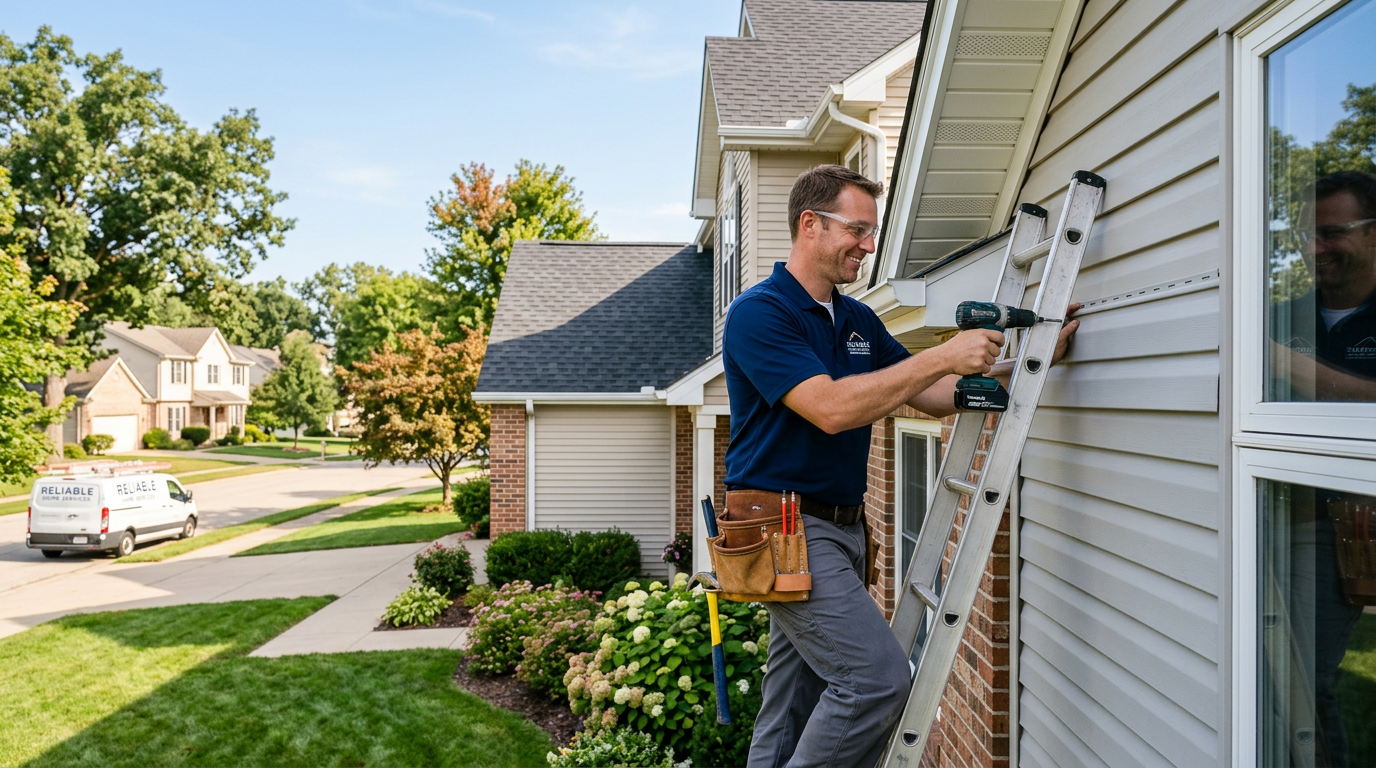
Some systems are built for DIY setup, while others are designed for professional installation. DIY kits can be a good fit if you want flexibility and a lower barrier to entry. They’re often easier to move if you relocate. Professional installation may be worth considering if your home has a complex layout, you’re not comfortable drilling or mounting devices, or you simply want someone else to handle setup.
When comparing systems, try to picture the daily routine after installation:
- Can you arm and disarm it quickly when leaving for work?
- Can multiple family members use it without confusion?
- Will you get too many notifications, making it tempting to ignore them?
- Is the app straightforward enough to check camera footage or system status without hunting through menus?
Usability is easy to overlook during shopping, but it has a big effect on whether the system becomes part of your routine or a source of frustration.
Think beyond burglary protection
Home security systems now often overlap with smart home tools, and that can be useful if you want more than intrusion alerts. Some systems integrate with smart locks, lights, garage doors, or thermostats. That may help you automate routines like locking doors at night or turning on lights when the system is armed.
Still, it’s worth separating genuinely useful features from extras that look impressive but won’t change your day-to-day life. If you mainly want protection against break-ins, focus on sensors, monitoring, and reliable alerts before worrying about convenience features.
Privacy is another important consideration, especially with cameras. Review where video is stored, who can access it, and whether the system lets you turn cameras off when you’re home. If you’re sharing access with other household members, make sure everyone understands the settings and permissions.
Make a short comparison list before you buy
A simple comparison checklist can keep you focused and help you compare plans more objectively. Before choosing, write down which features are must-haves and which are optional.
- Coverage: Which doors, windows, and rooms need protection?
- Monitoring: Do you want self-monitoring or professional monitoring?
- Installation: Do you want DIY setup or professional installation?
- App and alerts: Are the controls easy to use, and are notifications customizable?
- Expansion: Can you add cameras or sensors later?
- Privacy and storage: How is video handled, and who can access it?
- Contracts and terms: Are there commitments, fees, or service conditions to understand upfront?
Once you have that list, the “best” system usually becomes clearer. You may find that a simpler kit suits a small apartment better than a premium package, or that a larger home benefits from professional monitoring and more expandable equipment.
Choose the system that fits your home, then compare the details
The right home security setup is the one that matches your space, your schedule, and your comfort level with technology. Start with your needs, compare monitoring options and equipment carefully, and pay attention to how the system will work after installation, not just on day one.
If you’re still undecided, compare a few systems side by side and look beyond the headline features. A thoughtful comparison can help you narrow the field to the option that feels practical, manageable, and well suited to your home.