How to Use AI for Email Overload Without Losing Control

If your inbox feels less like a communication tool and more like a second job, AI email assistants may be worth a closer look. The best use case is not letting AI take over your messaging. It is using automation to handle the repetitive parts of email so you can stay focused on the messages that actually need your attention.
For most people, the appeal is simple: fewer low-value decisions, faster replies, and better organization. But an AI email tool is only helpful if it fits your workflow, respects your privacy preferences, and does not create new problems by sorting messages the wrong way or drafting replies that sound off-brand.
What AI email tools actually do
AI email tools vary widely, but most fall into a few practical categories. Some sit inside your inbox and help you summarize long threads, draft responses, or suggest short replies. Others focus on triage, such as labeling messages, flagging urgent items, or moving newsletters and promotions out of the way. A few are broader productivity tools that connect email with your calendar, task manager, or CRM.
Used well, these tools can reduce the mental load of inbox management. Used poorly, they can create a false sense of automation, where important messages get buried or replies are sent before you have reviewed them carefully.
Common tasks AI can help with
- Summarizing long message threads into a few key points
- Drafting reply options for routine requests
- Sorting newsletters, promotions, and receipts into separate folders
- Highlighting emails that appear urgent or need follow-up
- Turning emails into calendar events or to-do items
Where AI helps most in a real inbox
The most useful email automation is usually the boring kind. If you get recurring meeting requests, invoices, order confirmations, status updates, or customer inquiries, AI can help process those patterns more quickly. It is especially helpful when you need to scan a lot of similar messages and decide which ones deserve a full read.
AI also helps with drafting when you know what you want to say but do not want to type the same polite language repeatedly. That can be useful for customer support, sales follow-ups, scheduling, and internal coordination. Still, the strongest workflow is often “AI drafts, you approve.” That keeps the speed benefit without giving up oversight.
Good AI email use is about reducing repetitive work, not removing your judgment.
Another practical use is thread summarization. If you return to a long conversation after a few days, AI can help you catch up quickly. This is not a substitute for reading carefully when the message involves contracts, deadlines, money, or anything sensitive. But for routine internal threads, a summary can save time.
What to watch for before you connect your inbox
Before you give an AI tool access to your email, check how it handles data. Email often contains personal, financial, medical, and work-related information. If a tool needs broad inbox access, understand what it reads, what it stores, and whether your messages are used to train models or improve the product.
It is also worth looking at what permissions the tool asks for. Some apps only need read access for summarizing and sorting. Others request the ability to send email, move messages, or access your calendar and contacts. More permissions can mean more convenience, but they also increase the impact of a mistake.

Questions to ask before signing up
- Does the tool require full inbox access, or can it work on selected folders only?
- Can you review drafts before they are sent?
- Does it explain why a message was labeled urgent or important?
- How does it handle personal data and message retention?
- Can you turn off automation for specific senders or categories?
If the answers are vague, that is a signal to keep looking. The best consumer-facing AI tools tend to be clear about controls, permissions, and limits.
How to compare AI email tools without getting overwhelmed
There is no single best AI email app for everyone. The right choice depends on whether your priority is speed, organization, privacy, or collaboration. A tool that is excellent at drafting replies may not be the best at sorting mail. One that works well for personal inboxes may not fit a small business team.
When comparing options, focus on the workflows you actually use. Do you need help with daily triage, or mostly with writing? Are you trying to manage one inbox or several? Do you want a standalone app, or a feature that plugs into the email service you already use?
- For drafting: look for tone control, editable suggestions, and strong approval steps.
- For triage: look for filters, labels, sender rules, and clear importance markers.
- For busy teams: look for shared inbox support and collaboration tools.
- For privacy-conscious users: look for transparent data policies and limited retention.
- For simplicity: look for tools that work inside your existing email platform.
It can also help to test with a small set of messages first. Try newsletters, meeting requests, or routine follow-ups before letting the tool handle higher-stakes communication. That gives you a sense of whether the automation is accurate and whether it feels natural to use.
How to keep AI from taking over your inbox
The best email automation still leaves room for human review. A useful setup might include AI-generated summaries, suggested replies, and custom filters, but with final approval before sending or archiving anything important. This is especially true if you use email for work, where tone, timing, and context matter.
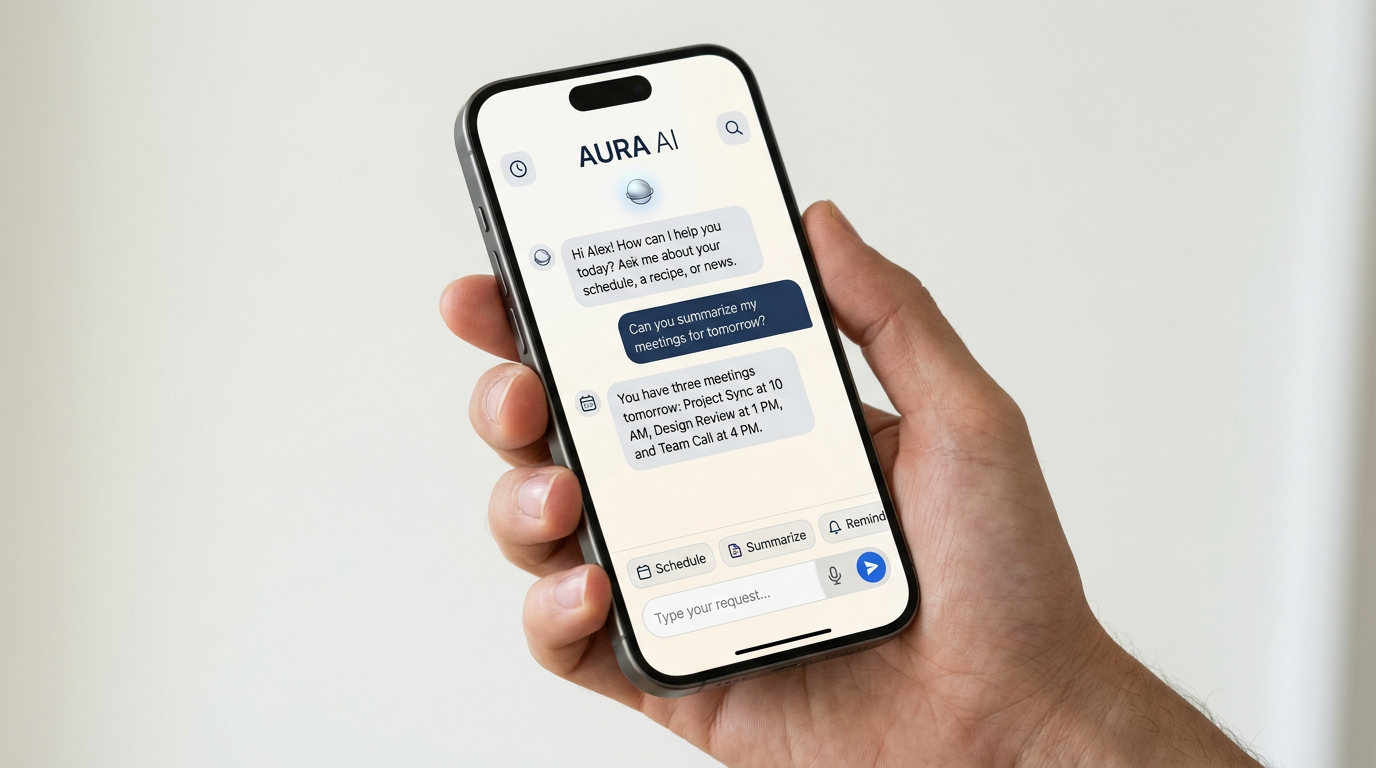
Simple habits can keep the system reliable:
- Review AI suggestions before sending.
- Use automation for repeatable tasks, not sensitive decisions.
- Set rules for your most important contacts so they are never hidden.
- Check your folders and labels regularly to catch misclassified messages.
- Revisit permissions if the app’s behavior changes or the privacy policy updates.
Think of AI email tools as assistants, not gatekeepers. They can reduce clutter and speed up routine work, but they should not become the only layer between you and your messages.
Bottom line
If email drains too much time from your day, AI tools can offer real help with sorting, summarizing, and drafting. The key is choosing a product that matches your workflow and gives you enough control to feel confident using it.
Before you commit, compare a few options side by side, especially their permissions, privacy terms, and automation settings. That is the safest way to find an AI email assistant that makes your inbox easier to manage without handing over more control than you want.

Get the latest AI drops
New tools, launches and guides — straight to your inbox.